
Dhamakaplay Customer Support: Get Help Fast
The Dhamakaplay support team is available around the clock to assist with account queries, payment issues, technical difficulties, and general questions. You can reach the customer service team via live chat, phone, email, WhatsApp, and Telegram, with support available in English and Hindi. Most queries are resolved within minutes through live chat, while email responses are typically delivered within 24 hours.

Live Chat: The Fastest Way to Get an Answer
Live chat is the quickest way to connect with the customer support team. It is available 24 hours a day, 7 days a week, and connects you to a trained agent within seconds.
How to Access Live Chat
You can open the chat window directly on the website or inside the mobile app. Look for the chat icon at the bottom right corner of any page. No login is required to start a chat, though having your account open helps agents resolve your issue faster.
When to Use Live Chat
Live chat is best suited for:
- Account login and access issues
- Deposit or withdrawal queries that need immediate attention
- Bonus and promotion clarifications
- Game loading or technical errors
- Identity verification (KYC) status updates
- Any query where you need a fast, direct answer
Languages and Hours
- Available in English and Hindi
- Operating hours: 24 hours a day, 7 days a week
- Average response time: under 2 minutes
Tips for a Faster Chat Experience
- Have your registered email or user ID ready before starting
- Describe your issue in one or two clear sentences
- Attach a screenshot if you are reporting a technical error
- Avoid opening multiple chat sessions for the same issue
Email Support: For Detailed Queries and Documentation
Email is the right channel for complex issues that require written documentation or the submission of files. It is also the preferred method for formal complaints, KYC document uploads, and cases that need a detailed record.
How to Send a Support Email
Compose your message and send it to the dedicated support address listed on the contact page of the website. Always include your registered account email, your full name, and a clear description of the issue in the body of the message.
When to Use Email
Email support works best for:
- KYC document submission and verification follow-ups
- Formal account complaints
- Requesting transaction history or account statements
- Reporting suspected fraud or unauthorised account activity
- Issues that require attaching screenshots, videos, or documents
Contact Details
- General support email: available on the official website contact page
- Response time: within 24 hours on business days; complex cases may take up to 48 hours
Tips for Faster Email Responses
- Use a clear subject line such as “Withdrawal Issue – Account ID 12345”
- Include all relevant details in the first message to avoid back-and-forth
- Attach supporting files in common formats such as JPG, PNG, or PDF
- Send from the email address registered to your account
- Avoid sending duplicate emails as this resets the queue position

Phone Support: Speak Directly to the Helpline
The Dhamakaplay helpline number connects you directly to a support agent for voice-based assistance. Phone support is available for players who prefer to explain their issue verbally or need guidance through a multi-step process.
How Phone Support Works
Dial the helpline number listed on the official website. You will be connected to an agent who will verify your identity before discussing account-specific details. Have your account information ready before the call begins.
When to Use Phone Support
Phone support is well suited for:
- Complex account recovery situations
- Urgent payment disputes requiring immediate escalation
- Step-by-step guidance through verification or withdrawal processes
- Situations where live chat is unavailable or has not resolved the issue
Contact Details
- Helpline number: available on the official website contact page
- Operating hours: check the website for current availability
- Languages supported: English and Hindi
- Average wait time: 3 to 5 minutes during peak hours
Tips for Faster Phone Support
- Call during off-peak hours (early morning or late evening) to reduce wait times
- Have your registered email, account ID, and recent transaction details ready
- Keep a pen and paper nearby to note reference numbers provided during the call
- Clearly state the nature of your issue at the start of the call to be routed to the correct department
WhatsApp and Telegram: Support Through Messaging Apps
Messaging platforms offer a convenient way to reach customer support without switching to a separate application. WhatsApp and Telegram are available for players who prefer mobile-first communication.
How to Use Messaging Support
You can find the official WhatsApp and Telegram contact details on the website. Send a message with your account email, a brief description of your issue, and any relevant screenshots. A support agent will respond directly in the same conversation thread.
When to Use Messaging Platforms
Messaging support is a good fit for:
- Follow-up on existing queries already raised via another channel
- Quick status checks on withdrawals or bonuses
- Document sharing in a familiar mobile interface
- Players who receive slow responses during high-traffic periods
Available Platforms and Contact Details
- WhatsApp: official number listed on the website contact page
- Telegram: official channel handle listed on the website
- Response time: typically within 1 to 4 hours depending on query volume
Tips for Effective Messaging Communication
- Always message from the phone number or account linked to your profile
- Send all details in one message rather than multiple short texts
- Do not share passwords or full card numbers over any messaging platform
- If you do not receive a response within 4 hours, follow up once before switching to live chat
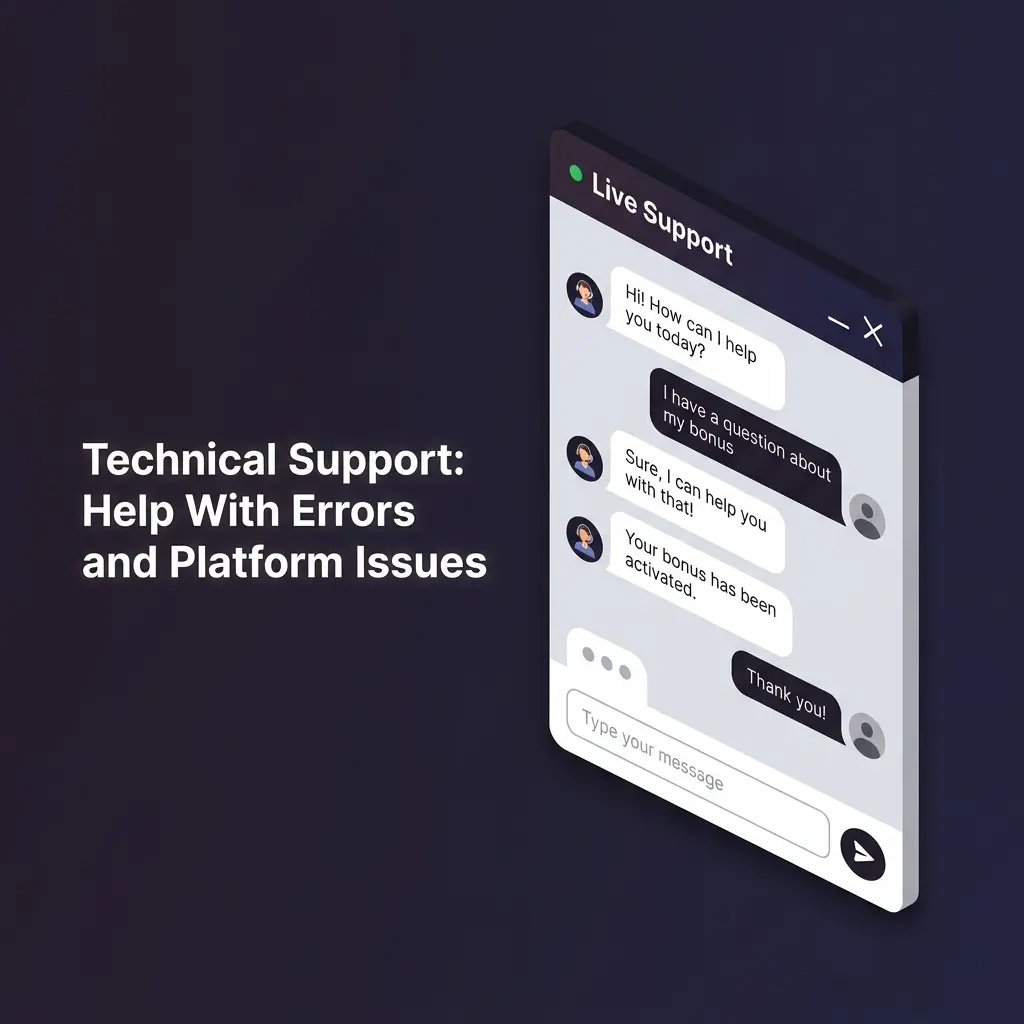
Technical Support: Help With Errors and Platform Issues
A dedicated technical support team handles issues related to platform functionality, payment processing errors, and game performance. This team is equipped to investigate and resolve issues that go beyond general account queries.
What Technical Support Covers
You can contact the technical team for:
- Login failures, including two-factor authentication errors
- Payment failures where funds have been deducted but not credited
- Game crashes, freezes, or incorrect round outcomes
- App installation errors on Android or iOS devices
- Page loading failures or broken features on the website
- Error codes or messages that appear during gameplay or transactions
How to Reach Technical Support
- Start with live chat and describe your issue as a technical problem
- For complex cases, request escalation to the technical department
- Email the support address with a detailed description and attached screenshots
- Include your device model, operating system version, and browser details when reporting app or site errors
Expected Resolution Times
- Minor technical issues: resolved within the same session via live chat
- Payment crediting errors: typically reviewed within 24 to 48 hours
- Game outcome disputes: reviewed within 3 to 5 business days
Tips for Faster Technical Resolution
- Include a screenshot or screen recording of the error
- Note the exact time and date the issue occurred
- Mention the game name, bet amount, and transaction ID if applicable
- Clear your browser cache or reinstall the app before reporting, and mention the steps already tried
VIP and Priority Support: Dedicated Assistance for Top Players
High-tier players on Dhamakaplay have access to a dedicated priority support service. This channel ensures faster response times, personalised assistance, and direct access to senior account managers.
How Priority Support Works
VIP members are assigned a dedicated account manager who handles queries directly. Priority support bypasses standard queues, meaning your issue is addressed first regardless of overall traffic volume.
Who Qualifies for VIP Support
- Players who have reached VIP or Elite tier in the loyalty programme
- High-volume depositors as defined by the current VIP threshold
- Players specifically invited to the VIP programme by the customer service team
What Priority Support Handles
- Expedited withdrawal processing and high-limit transfer requests
- Personalised bonus offers and account rewards
- Exclusive access to new games and platform features
- Complex account disputes requiring senior review
- Dedicated assistance during live sporting events or casino sessions
Contact Details for VIP Members
- A dedicated contact number and email are shared directly upon VIP activation
- Priority live chat access is available through the VIP dashboard
- Response time for VIP queries: within 15 minutes via chat, within 4 hours via email
How to Access VIP Benefits
- Continue playing consistently to accumulate loyalty points
- Check the VIP programme page on the website for current tier requirements
- Contact customer service directly to enquire about your current eligibility status

Updated: